
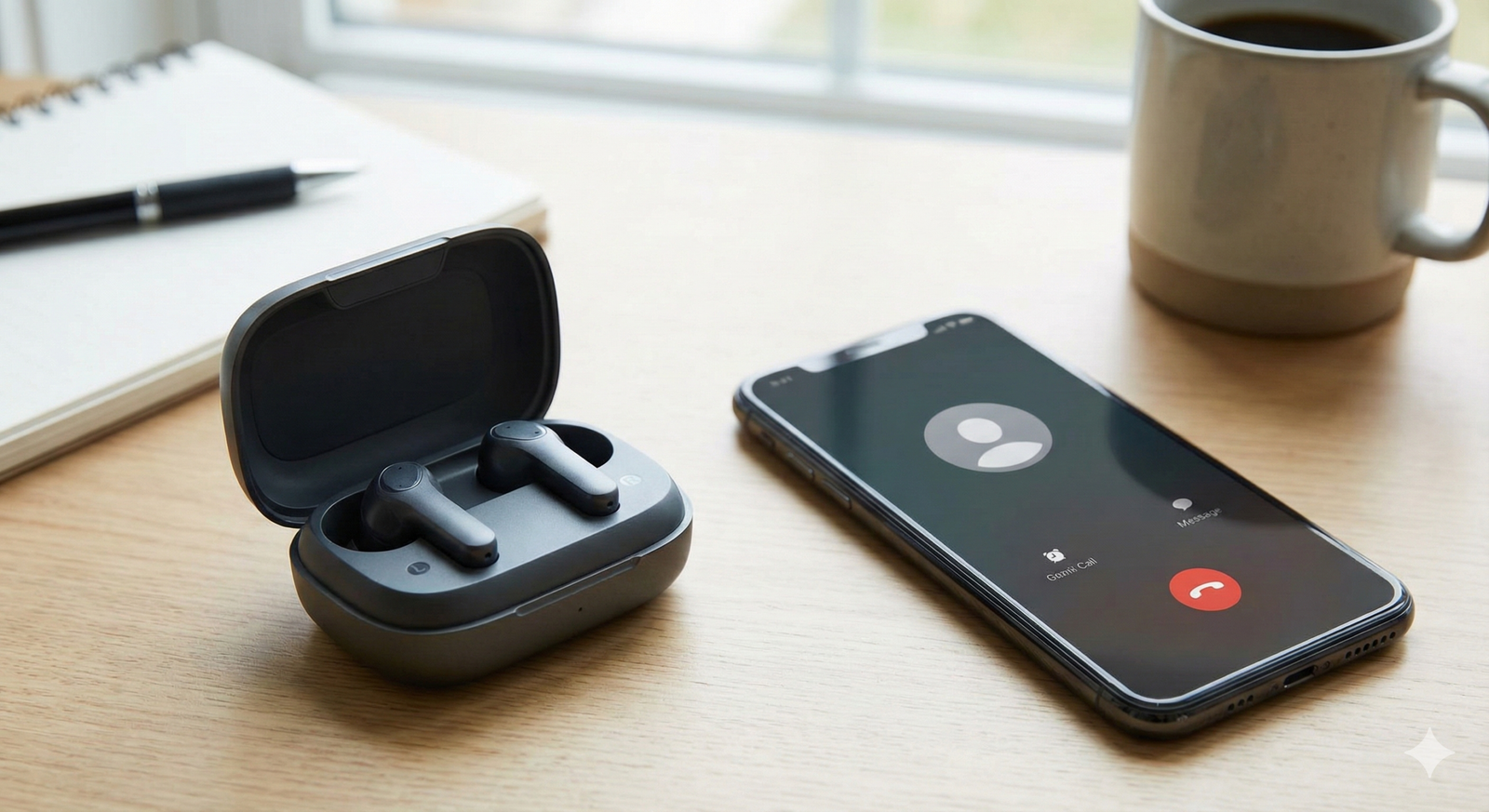
Clear communication matters more than ever in today’s world of remote work and virtual meetings. Whether you’re joining video conferences, taking client calls, or chatting with family, poor audio quality can make conversations frustrating and exhausting. The right earbuds can transform your calling experience, ensuring you hear others clearly while they hear you without background noise or muffled audio.
Choosing earbuds specifically for calling and meetings requires different priorities than selecting them for music. While sound quality matters, microphone performance, noise cancellation for calls, comfort during extended wear, and reliable connectivity take center stage. This guide explores what makes earbuds excel at calls and highlights key features to consider when making your choice.
Why Regular Earbuds Fall Short for Calls
Many earbuds deliver excellent music playback but struggle with call quality. Standard microphones pick up every background sound—keyboard typing, traffic noise, household activity—transmitting it all to the person you’re speaking with. Single-microphone systems can’t distinguish your voice from ambient noise effectively.
Additionally, earbuds designed primarily for music often lack the comfort necessary for wearing during hour-long meetings. Heavy designs, poor fit, or inadequate battery life become major problems when your workday involves back-to-back video calls.
Essential Features for Call-Focused Earbuds
Multiple Microphone Arrays
The most significant factor affecting call quality is microphone configuration. Premium earbuds designed for calls typically include 2-4 microphones per earbud. These multiple microphones work together using advanced algorithms to isolate your voice from background noise.
Beamforming technology, found in quality calling earbuds, focuses microphone pickup on your mouth’s direction while suppressing sounds from other angles. This dramatically improves how clearly others hear you, even in noisy environments like coffee shops or home offices with activity around you.
Active Noise Cancellation for Calls
Active Noise Cancellation (ANC) serves two purposes in calling scenarios. First, it reduces ambient noise in your ears, helping you hear the other person more clearly without raising volume to uncomfortable levels. Second, many modern earbuds apply ANC technology to outgoing audio, filtering environmental sounds before transmitting your voice.
This dual approach ensures both sides of the conversation benefit from clearer audio. You hear participants better during meetings, and they hear you without distraction from your surroundings.
Environmental Noise Suppression
Beyond hardware-based noise cancellation, software algorithms play a crucial role in call quality. Advanced environmental noise suppression (ENS) or AI-powered noise reduction identifies and removes specific sounds like:
- Keyboard typing
- Paper rustling
- Air conditioning hum
- Traffic noise
- Wind interference
- Barking dogs or crying children
These intelligent systems learn to distinguish speech from noise, preserving natural voice quality while eliminating distractions.
Comfortable Fit for Extended Wear
Video calls and meetings often last hours, making comfort essential. Look for earbuds with:
- Multiple ear tip sizes for proper fit
- Ergonomic designs that distribute weight evenly
- Lightweight construction (typically under 5-6 grams per earbud)
- Materials that don’t cause ear fatigue
Uncomfortable earbuds become unbearable during long meetings, defeating their purpose regardless of audio quality.
Reliable Bluetooth Connectivity
Dropped connections during important calls create unprofessional interruptions. Quality calling earbuds feature:
- Bluetooth 5.0 or newer for stable connections
- Strong signal range (at least 10 meters)
- Quick reconnection if signal temporarily drops
- Dual device connectivity for seamlessly switching between phone and computer
Consistent connectivity ensures you stay connected throughout meetings without technical disruptions.
Sufficient Battery Life
Running out of battery mid-meeting is frustrating and avoidable. For professional use, earbuds should provide:
- Minimum 5-6 hours of talk time per charge
- Charging case offering 20+ additional hours
- Quick charge capability (15-20 minutes for 1-2 hours of use)
Battery life for calls typically differs from music playback due to constant microphone usage and active processing, so check specifications specifically for talk time rather than just music playback duration.
Transparency or Ambient Mode
Transparency mode allows environmental sounds through while wearing earbuds, helpful when you need to:
- Hear your own voice naturally (avoiding the “talking underwater” sensation)
- Remain aware of your surroundings between calls
- Quickly respond to someone nearby without removing earbuds
- Monitor if household noises might disrupt your call
This feature enhances situational awareness during remote work scenarios.
Multipoint Connectivity
Multipoint pairing allows earbuds to connect to multiple devices simultaneously—typically your phone and computer. This feature proves invaluable for professionals who:
- Need to answer phone calls while working on a computer
- Switch between devices throughout the workday
- Want seamless transitions without manual re-pairing
When a call comes through on your phone during a computer meeting, multipoint earbuds handle the switch automatically.
Key Considerations When Choosing Earbuds for Calls
Your Primary Use Environment
Consider where you’ll make most calls:
Quiet home office: Basic noise cancellation suffices; prioritize comfort and battery life.
Busy household: Strong environmental noise suppression becomes critical for filtering out background activity.
Coffee shops or coworking spaces: Maximum ANC and advanced microphone arrays matter most.
Outdoor use: Wind noise reduction and secure fit take priority.
Match features to your specific environment for optimal performance.
Device Compatibility
Ensure earbuds work seamlessly with your primary devices:
- iOS users benefit from brands with Apple ecosystem integration
- Android users should verify full feature compatibility
- Computer users need strong Bluetooth support and proper codec compatibility
- Consider if you need dedicated apps for customization
Some features work exclusively with specific operating systems, so verify compatibility before purchasing.
Meeting Platform Optimization
Certain earbuds optimize specifically for popular meeting platforms like Zoom, Microsoft Teams, or Google Meet. These optimizations might include:
- Certified compatibility with business communication platforms
- Dedicated buttons for muting or ending calls
- Integration with platform audio settings
- Guaranteed performance with common conferencing software
If you use specific platforms regularly, check for official certifications or compatibility mentions.
Budget Considerations
Quality calling earbuds span wide price ranges:
Budget range (under ₹3,000): Basic calling features with limited noise cancellation. Suitable for occasional calls in quiet environments.
Mid-range (₹3,000-₹8,000): Good microphone quality, decent ANC, and reliable connectivity. Appropriate for regular remote work and meetings.
Premium range (₹8,000-₹20,000+): Advanced multi-microphone arrays, superior noise cancellation, extended battery life, and professional-grade call quality. Ideal for frequent meetings and professional use.
Assess how much time you spend on calls weekly. If meetings dominate your workday, investing in premium earbuds pays dividends through improved communication quality and reduced listener fatigue.
Brand Reputation for Call Quality
Some manufacturers prioritize music quality, while others excel at communication features. Research brand reputations specifically for call performance rather than just overall audio quality. User reviews focusing on microphone clarity and call experience provide valuable insights.
Testing Earbuds for Call Quality
If possible, test earbuds before committing:
In-Store Testing
Many electronics retailers allow testing. When trying earbuds:
- Make a test call to someone who can provide honest feedback
- Try speaking at normal volume to assess microphone sensitivity
- Test in noisy areas of the store to evaluate background noise suppression
- Wear them for 15-20 minutes to gauge comfort
Return Policies
Purchase from retailers offering generous return windows. This allows real-world testing during actual meetings and calls. Pay attention to:
- How clearly others hear you during video conferences
- Whether background noises from your environment come through
- Comfort level during extended use
- Battery performance during typical workdays
- Connection stability when moving around
Take notes during your testing period to make informed keep-or-return decisions.
Maintaining Call Quality Over Time
Even quality earbuds require maintenance for consistent performance:
Regular Cleaning
Earwax, dust, and debris accumulate on microphone meshes, degrading call quality. Clean your earbuds weekly:
- Use a soft, dry cloth for external surfaces
- Gently brush microphone openings with a clean, soft-bristled brush
- Replace ear tips every few months
- Avoid moisture near speaker or microphone openings
Firmware Updates
Manufacturers release firmware updates improving:
- Noise cancellation algorithms
- Microphone performance
- Bluetooth stability
- Battery optimization
Check for and install updates through the manufacturer’s app regularly.
Proper Storage
Store earbuds in their case when not in use to:
- Protect microphones from dust and damage
- Maintain battery health through proper charging cycles
- Prevent physical damage that affects performance
When to Upgrade
Consider replacing your calling earbuds when:
- Others frequently complain about audio quality or background noise
- Battery life no longer lasts through your typical workday
- Physical damage affects fit or functionality
- Newer models offer significantly improved features relevant to your needs
- Cleaning and troubleshooting no longer resolve quality issues
Technology advances rapidly, and earbuds from 2-3 years ago may lack features now standard in current models.
Alternatives to Consider
Earbuds aren’t the only option for quality calls:
Wireless headphones: Offer superior battery life and often better microphone quality, though less portable.
Wired earbuds: Eliminate battery concerns and connection issues, though cables can be cumbersome.
Dedicated headsets: Professional communication headsets provide unmatched call quality but appear less casual.
Evaluate whether earbuds truly fit your needs or if another form factor might serve you better.
Conclusion
Selecting the best earbuds for calling requires prioritizing different features than choosing earbuds for music. Multiple microphones, effective noise cancellation for both incoming and outgoing audio, comfortable fit for extended wear, and reliable connectivity matter most for professional communication.
Assess your primary calling environment, consider how many hours you spend in meetings weekly, verify device compatibility, and set a realistic budget based on your usage patterns. Test earbuds thoroughly during return windows to ensure they meet your specific needs. With the right pair, your calls and meetings become clearer, more professional, and significantly less fatiguing—transforming your remote communication experience.